
How do you use Search Console to check whether a page is indexed?
Open Google Search Console, select the relevant property and enter the page’s full URL in the URL Inspection tool. The result shows whether Google has indexed the URL, while Test live URL checks whether it is currently accessible and eligible for crawling and indexing.
Use the URL Inspection tool in Google Search Console to check whether an individual page is indexed. Select the correct website property, enter the page’s complete URL, and review the result shown for that URL. The report indicates whether the page is available in Google’s index, whether it can be crawled, and whether any indexing issues have been identified.
To check a page:
- Sign in to Search Console and open the property containing the page.
- Paste the page’s full, canonical URL into the URL Inspection field at the top of the interface. Include the correct protocol and hostname, such as https and either the www or non-www version used by your site.
- Run the inspection and wait for Search Console to retrieve the latest information available for the URL.
- Review the indexing status and the details provided below it.
A message confirming that the URL is on Google means the inspected URL is indexed and eligible to appear in search results, although indexing does not guarantee a particular ranking or that the page will appear for every relevant query. A message stating that the URL is not on Google means the URL is not currently indexed. Search Console should then provide a reason, such as a crawl issue, a noindex directive, a redirect, duplication, or a decision that the page is currently unsuitable for indexing.
Check the indexed version and the live page separately. The initial inspection normally reports information from Google’s existing index and its most recent processing of the URL. Select Test Live URL when you need to check the page as it is currently accessible to Google. This test can identify whether the page responds successfully, can be crawled, and appears eligible for indexing now. It does not, by itself, add the page to the index, and a successful live test does not prove that the page is already indexed.
When the inspection reports that the page is indexed, expand the available details to check the canonical URL, referring page information, crawl data and any enhancements detected. Compare the inspected URL with the canonical URL selected for the page. If Search Console identifies a different canonical URL, the inspected address may not be the version Google has chosen to index. This is common where several URLs serve substantially the same content, or where parameters, trailing slashes, redirects or alternative URL formats create multiple addresses.
If the page is not indexed, use the reason shown in the inspection report to guide the investigation:
- Blocked by robots.txt: check whether the robots.txt file prevents crawling of the page or one of its important resources. A robots.txt rule can prevent crawling, but it is not the correct method for removing a URL that Google already knows about.
- Excluded by a noindex directive: inspect the page’s meta robots tag and HTTP headers for a noindex instruction. Remove it only if the page should be eligible for organic search.
- Page with redirect: inspect the destination URL instead. Confirm that the redirect leads to the intended equivalent page and that the destination is accessible and indexable.
- Duplicate without a user-selected canonical: review the similar URLs and specify the preferred version where appropriate. Make sure internal links, sitemaps and canonical signals consistently point to that version.
- Discovered or crawled, but not currently indexed: check that the page provides useful, distinct content, returns a successful response, is linked from relevant parts of the site and does not contain unnecessary technical barriers. Submitting a page repeatedly will not resolve a quality or architecture issue.
- Server or access error: confirm that the page is available to unauthenticated users and returns a stable response. Investigate timeouts, server errors, access controls and failures caused by the content management system.
After correcting an issue, run Test Live URL to confirm that the change is visible to Google’s crawler. If the live test is successful, select Request Indexing where that option is available. This places the URL in a recrawl queue; it is a request rather than an immediate indexing command. Allow time for Google to recrawl and process the page, then inspect the URL again to confirm the updated indexed status.
Use the URL Inspection tool for a specific page, not as a complete index report for the whole website. For broader problems, review the indexing reports, inspect affected URL patterns, and compare the results with your XML sitemap and internal linking structure. A page can be accessible in a browser but still be unsuitable for indexing because of directives, canonical signals, duplicate content, weak internal discovery or technical response issues.
For the most reliable check, inspect the exact URL that you expect searchers to reach, review both the stored index status and the live test, and verify the canonical version before requesting indexing. Search results themselves are not a dependable substitute for URL Inspection because a page may be indexed without appearing prominently for a particular search.
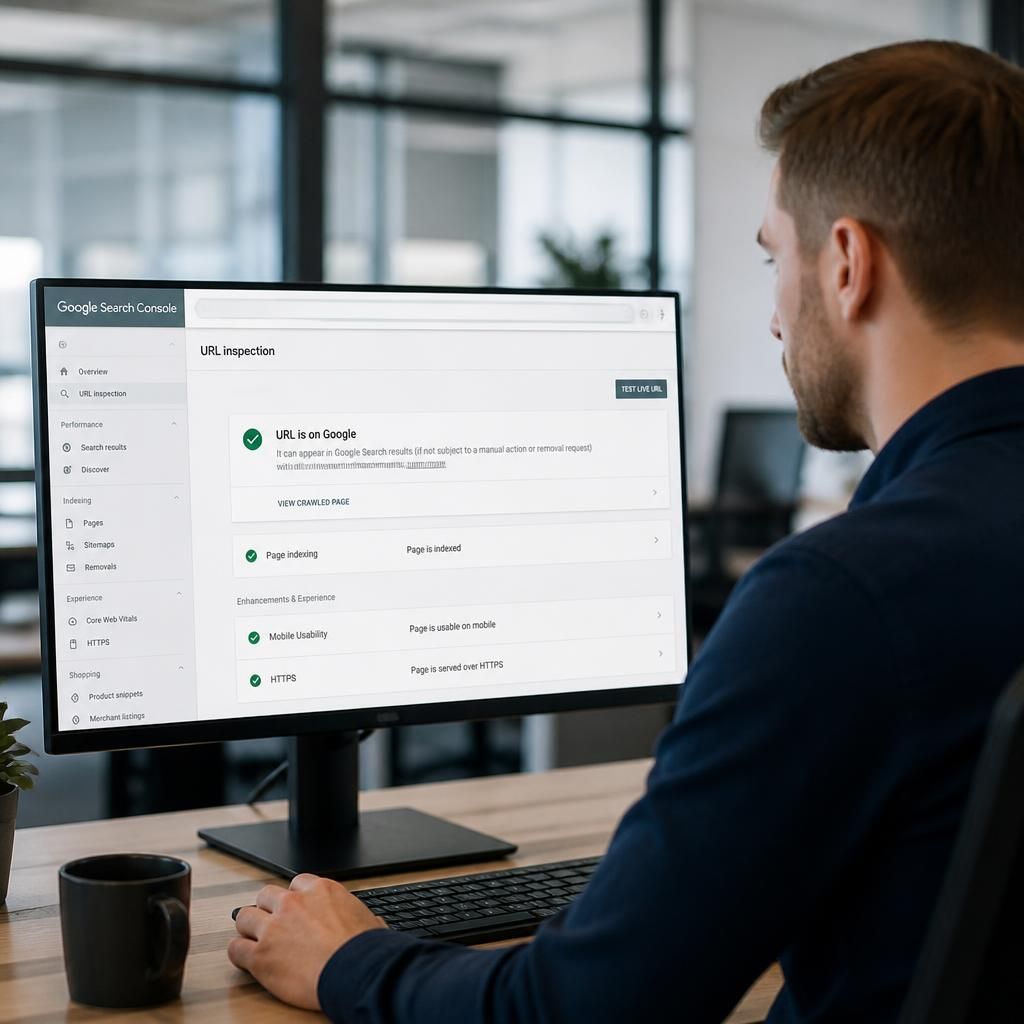
Search Console separates a page’s current indexed status from its present accessibility. The URL Inspection result reports whether Google has processed the URL for its index, while Test Live URL checks how the page can be accessed and understood at the time of testing.
Use both checks when investigating an issue. A page may be accessible, return a successful response and pass the live test but still not be indexed because Google has not processed it, has selected another canonical URL or has decided not to include it. Conversely, an indexed page can later become inaccessible or acquire a blocking directive.
- URL is on Google: the inspected address is currently represented in the index.
- URL is not on Google: review the stated exclusion or error reason.
- Live test succeeds: the page appears accessible and eligible based on the current test, but this does not add it to the index.