
Google Keyword Planner Guide
Google Keyword Planner is a free Google Ads tool for discovering keyword ideas, reviewing estimated search demand and assessing competition. Use its forecasts and related terms to build focused SEO content plans, then validate priorities against your website and audience.
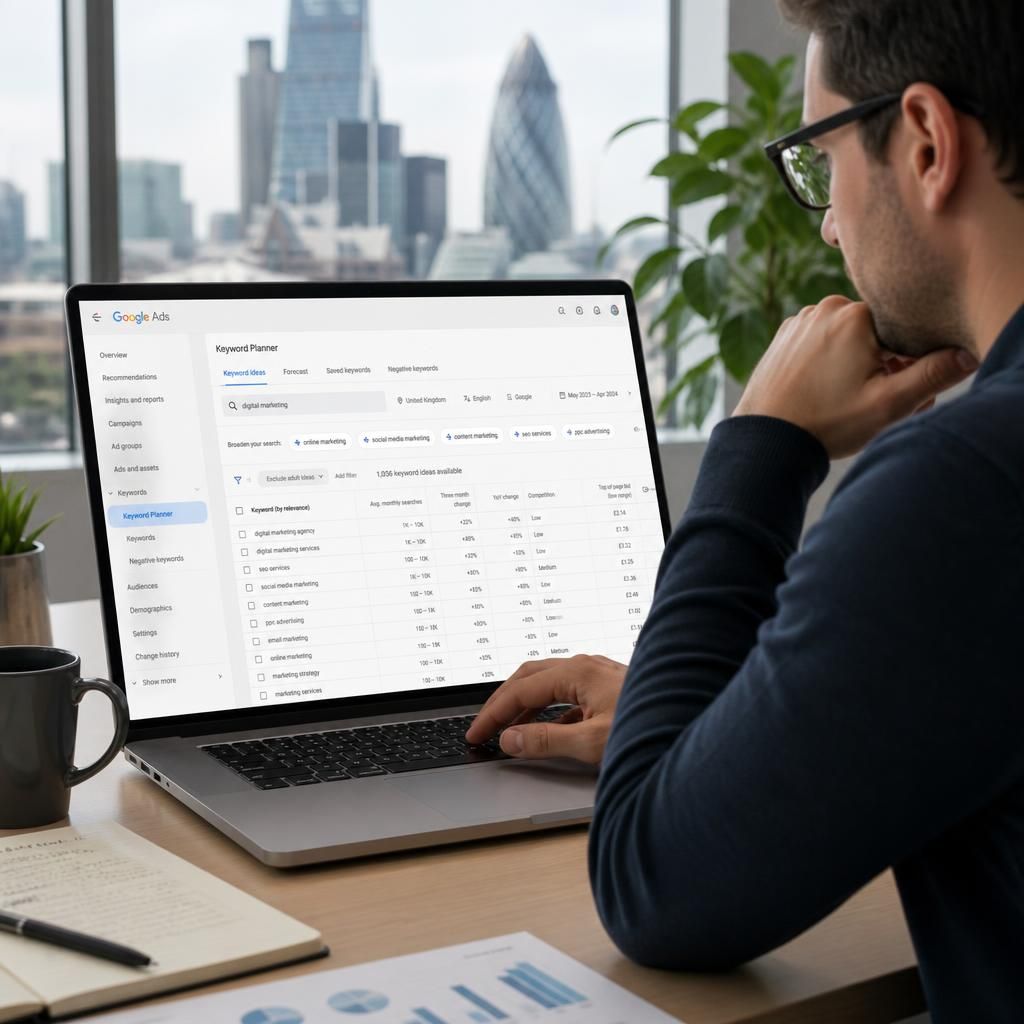
How Google Keyword Planner Supports SEO Planning
Google Keyword Planner is a free Google Ads tool that helps you discover keyword ideas, review estimated search demand and plan terms for SEO content. Access it through a Google Ads account, then choose “Discover new keywords” or “Get search volume and forecasts” to begin your research.
Use relevant services, products or landing-page themes as starting points, and refine results by location, language and search network. Review closely related phrases, average monthly searches and competition indicators, but treat estimates as directional: grouped variations, seasonal demand and advertising data can affect the figures.
Export promising terms and assess them against search intent, business value and your website’s current rankings. Prioritise specific phrases that match what your audience wants to do, then track their organic performance separately. This approach turns Keyword Planner findings into a practical, evidence-led SEO content plan.
Google Keyword Planner Features for SEO Research
Google Keyword Planner features support SEO research by combining keyword discovery, search-volume estimates, forecasts, competition indicators and targeting filters. They help you move from broad topics to terms with clearer relevance and demand.
Each box explains a core capability and its practical SEO benefit. Use the sequence to discover ideas, assess demand, check intent and set focused content priorities.
Key Google Keyword Planner Capabilities for SEO
Google Keyword Planner: Frequently Asked Questions
How do you access the Google Keyword Planner tool?
Google Keyword Planner is a free Google Ads tool for discovering keyword ideas, estimating search demand and reviewing forecasts. Its figures guide SEO priorities but do not represent organic volumes.
How accurate are Google Keyword Planner search volume estimates?
Treat Google Keyword Planner estimates as directional, not exact organic demand. Grouped close variants, seasonal changes, location settings and limited data can affect results, so compare trends and validate priorities elsewhere.
How do you use Google Keyword Planner to find relevant SEO keywords?
Enter a product, service, or landing-page theme into Keyword Planner, then review related phrases. Filter by location and language, assess intent, and shortlist terms matching content opportunities and business priorities.