
Google Webmaster Console Login
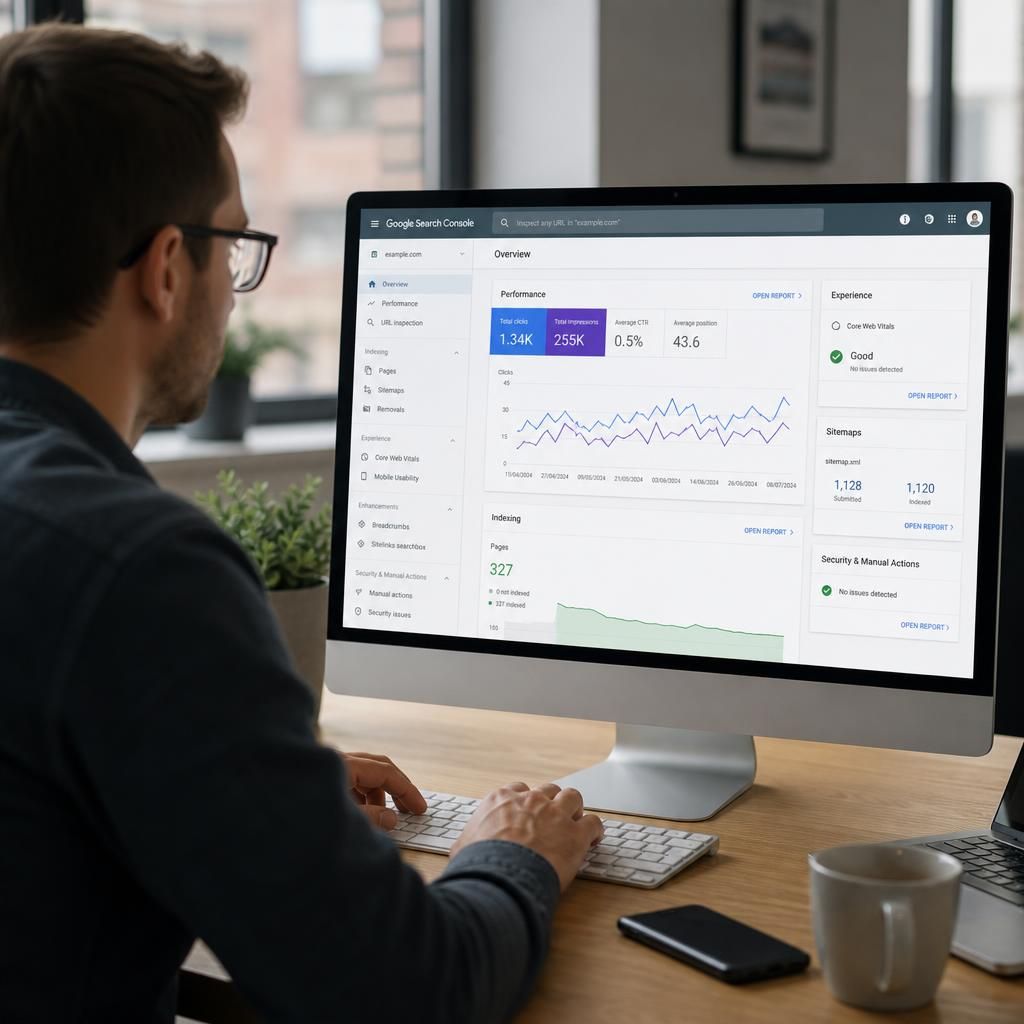
Accessing the Google Webmaster Console login takes you to the Search Console dashboard, where you can verify site ownership, inspect indexing, review search performance data and identify technical issues affecting organic visibility.
What You Can Do in Google Webmaster Console
Google Webmaster Console is the former name commonly used for Google Search Console, Google’s web service for monitoring how a verified website appears in organic search. Its dashboard brings indexing status, search queries, page performance and detected technical issues into one account.
After signing in, select the correct property—your domain or URL-prefix view. You can inspect URLs, review sitemap information, check indexing decisions and examine search data such as impressions, clicks and average position.
Use the official Search Console sign-in route and confirm permission for the relevant property. If access fails, check the Google account, property permissions and verification status. Start with Performance and Page indexing to identify priority SEO actions.
Key Features of Google Webmaster Console
The webmaster console brings site-monitoring functions into one dashboard. It helps you assess search visibility, investigate indexing, inspect URLs and identify technical issues affecting how pages appear in results.
Use the boxes below to understand each area and its practical value. Review performance, indexing, sitemaps and security notices to prioritise actions that improve website discoverability.
Core Google Webmaster Console Features for SEO Monitoring
Google Webmaster Console Login: Frequently Asked Questions
How do I access the Google Webmaster Console login?
Google Webmaster Console is the former name for Google Search Console, a free service that lets verified site owners monitor indexing, inspect URLs, analyse search performance, and resolve technical issues.
What can you do in Google Webmaster Console?
It lets you monitor search performance, inspect individual URLs, submit sitemaps, review indexing status, identify mobile or security issues, and confirm how Google accesses and understands your website content correctly.
Why can’t I access Google Webmaster Console?
Access usually fails because you are signed into the wrong Google account, lack property permission, or have not completed ownership verification. Check the account, request access, and confirm the property.