
Google Search Console and Analytics
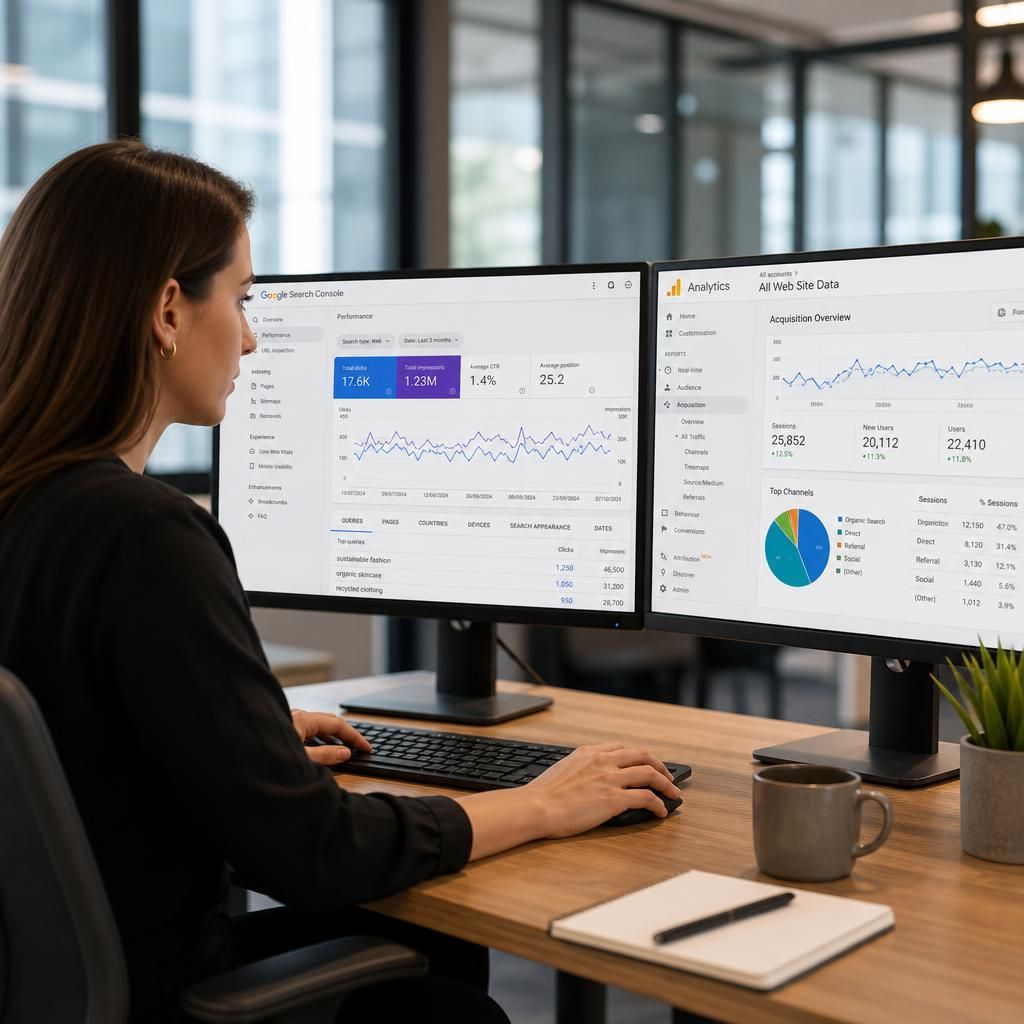
Google Search Console and Google Analytics show different stages of organic performance: Search Console covers visibility in Google Search, while Analytics records visitor behaviour after arrival. Combining SEO and analytics links search visibility to engagement, conversions and technical priorities for organic growth.
Connect Search Visibility with Visitor Behaviour
Google Search Console and Google Analytics are complementary SEO and analytics platforms. Search Console measures how pages appear in Google Search, including impressions, clicks, queries and average position. Google Analytics records what visitors do after arriving, such as engaged sessions, key events, conversions and revenue.
Use Search Console to identify pages gaining visibility but not enough clicks, then use Analytics to assess whether that traffic engages or converts. The platforms measure different stages and should not be expected to show identical figures: Search Console attributes activity to Google Search, while Analytics depends on site tagging, consent and session definitions.
Link the relevant properties, confirm the correct domain and reporting time zone, then compare landing pages and search queries with organic engagement and conversion data. Use the findings to prioritise title and content improvements, technical fixes and conversion updates, recording changes so performance can be reviewed over time.
Google Search Console and Analytics Features
These features connect Google Search Console data with Google Analytics, showing both search visibility and post-click behaviour in one SEO and analytics workflow. You can compare queries, pages, clicks and impressions with engagement, conversions and revenue to distinguish ranking issues from landing-page or tracking problems.
Use the feature set to validate property links, review organic landing pages, segment relevant traffic, and prioritise actions such as improving titles, strengthening content or fixing technical barriers. Record changes and review results regularly, because Search Console and Analytics use different attribution and measurement rules.
Features for Connecting Search Visibility and Analytics
Property Linking
Connect the correct Search Console and Analytics properties so search visibility and on-site behaviour can be reviewed together.
Organic Landing Pages
Review the pages receiving organic visits and assess whether their content, engagement and conversion activity match their search visibility.
Query and Page Analysis
Combine search queries with page-level analytics to identify where rankings, click-through performance or landing-page relevance need attention.
Organic Traffic Segments
Isolate organic users in Analytics to separate search-driven behaviour from other acquisition channels and improve reporting accuracy.
Conversion Tracking Checks
Confirm that key events and conversions are recorded correctly before using organic traffic data to guide commercial decisions.
Technical Investigation
Use differences between search visibility and visitor behaviour to distinguish technical access problems from content or conversion issues.
Performance Monitoring
Track changes in impressions, clicks, engagement and conversions over time to establish whether SEO work is producing the intended result.
Change Recording
Record optimisation and implementation dates alongside performance reviews so meaningful movements can be linked to specific actions.
Google Search Console and Analytics Questions
How do Google Search Console and Google Analytics work together for SEO?
Search Console measures Google Search visibility, while Analytics measures visitor behaviour after arrival. Connecting them helps relate queries, clicks and landing pages to engagement, conversions and revenue from organic traffic.
How do you link Google Search Console with Google Analytics?
In Search Console, open Settings, choose Associations, select Google Analytics, and follow the prompts. Confirm matching properties and permissions, then verify organic landing-page data appears correctly in Analytics reports afterwards.
What is the difference between Google Search Console and Google Analytics?
Search Console reports how your pages perform in Google Search, including queries, impressions and clicks. Google Analytics tracks activity after users arrive, including engagement, conversions and revenue from organic visits.
Connect Search Console and Analytics to act on organic insights
Connect Search Console and Analytics with your SEO workflow to compare search visibility, engagement and conversions. Contact SEO System to review your requirements, configure the right setup and turn organic data into practical actions.