
How do Google Search Console and Google Analytics work together for SEO?
Google Search Console shows how your website performs in Google Search, while Google Analytics shows what visitors do after they arrive. Used together, they connect search visibility and engagement data so you can identify opportunities, assess landing-page performance and refine your SEO strategy.
Google Search Console and Google Analytics work together by connecting search visibility data with on-site behaviour. Search Console explains how people find your pages in Google Search, including queries, impressions, clicks, click-through rate and average position. Google Analytics explains what visitors do after they arrive, including the pages they view, how engaged they are and whether they complete important actions. Used together, the platforms show whether SEO activity is generating not only visits, but useful outcomes.
What each platform contributes
Search Console is the primary source for Google Search performance. Its reports can show:
- The search queries for which your pages appeared.
- Impressions, which indicate how often your pages were shown in search results.
- Clicks from Google Search to your website.
- Click-through rate, calculated from clicks and impressions.
- Average position for your pages and queries.
- The pages receiving search traffic.
- Search performance by country, device and search appearance where data is available.
Google Analytics is the primary source for activity on your website. It can show:
- Sessions and users arriving through organic search.
- Engagement with landing pages and subsequent pages.
- Engagement time, events and other interaction measures.
- Conversions or key events, such as enquiries, purchases, downloads or form submissions.
- Revenue or lead values where these have been configured.
- The paths visitors take after entering through an organic landing page.
Search Console therefore covers the part of the journey before the visit, while Analytics covers the behaviour that follows the visit. Neither platform replaces the other.
How the data is connected
After the relevant properties are linked, Search Console reports can be made available within Google Analytics. The integration generally allows you to analyse Google organic search landing pages alongside Analytics engagement and conversion information. It does not transfer every Search Console dimension into Analytics or create a user-level record linking an individual search query to an individual person or conversion.
The most useful common dimensions are the landing page and date. Depending on the report and configuration, device and country can also help with comparisons. A typical analysis might identify a page that receives many impressions and clicks in Search Console, then assess that same page in Analytics to determine whether visitors engage with the content or complete a key action.
Linking the properties does not merge the platforms into a single reporting system. Each continues to use its own collection methods, attribution rules, processing times and privacy controls. Treat the connection as a way to compare related datasets, rather than expecting every total to match exactly.
What the combined data can reveal
- Visibility without sufficient clicks: A page with strong impressions but a low click-through rate may need a clearer title, a more relevant meta description or better alignment with the search intent. Check the query and position data before changing the page.
- Clicks without meaningful engagement: If Search Console shows that a page attracts clicks but Analytics shows weak engagement, the search result may be promising a different answer from the one delivered on the landing page. Review the opening content, page relevance, usability, load performance and internal links.
- Engagement without conversions: Visitors may be reading and navigating successfully but still not completing the intended action. Examine the call to action, form experience, trust information and the next steps available from the page.
- Pages with conversion potential: A page may receive modest search traffic but generate valuable leads or other key events. Such pages can justify further optimisation, internal linking and content support even when they are not the highest-volume landing pages.
- Ranking improvements that do not produce business value: A rise in average position is useful context, but it is not the final measure of SEO performance. Compare it with clicks, engaged visits and relevant conversions.
- Device or country differences: Search performance and on-site behaviour can vary by device and location. A page that performs well for desktop users may need a different layout or experience for mobile users, while country-level differences may indicate a need for localised content.
A practical SEO analysis process
- Start in Search Console and select a relevant date range. Review queries, pages, impressions, clicks, click-through rate and average position.
- Filter the report to a page, topic, device or country where a decision is needed. Looking at a defined segment is usually more useful than reviewing the whole site at once.
- Identify a pattern, such as high impressions with limited clicks, strong clicks with low engagement, or good engagement with few conversions.
- Open the corresponding landing-page data in Analytics. Review engagement, events, key events and the visitor journey after arrival.
- Check whether the page meets the intent suggested by the query. Confirm that the content answers the likely question quickly and that the next relevant action is easy to find.
- Make a focused change and record what was changed, when it was published and which outcome it is intended to improve.
- Review the same Search Console and Analytics views after enough data has accumulated to identify a meaningful trend, allowing for normal reporting delays and seasonal variation.
How to interpret common combinations of metrics
High impressions, a low average position and few clicks often indicate that a page is visible but not yet competitive for the query. Improving topical coverage, usefulness, internal linking and technical accessibility may be more appropriate than changing the title alone.
High impressions, a relatively strong position and a low click-through rate point more directly towards a search-result presentation issue. The title and description should accurately reflect the page, match the intent behind the query and distinguish the result from other relevant pages on the site.
High clicks and high engagement but few conversions may indicate that the page is attracting the right audience but has a weak conversion route. Review the relevance of the offer, calls to action, form design, contact options and measurement setup.
Low clicks but a high conversion rate should not automatically be treated as a problem. The page may serve a specific, valuable audience. Assess the quality and commercial relevance of the outcomes before prioritising additional traffic.
Why the figures do not always match
Search Console clicks and Analytics sessions measure different things. A click recorded by Search Console may not become an Analytics session if the page fails to load, tracking is blocked, consent is not granted, the visitor leaves immediately or the Analytics tag does not fire. Analytics may also classify traffic differently because of campaign parameters, redirects, referral exclusions, attribution settings or implementation issues.
Search Console reports traffic from Google Search, whereas Analytics organic search reporting may include traffic from other search engines. Date and time-zone settings can also affect comparisons. Search Console data may be processed on a different timetable from Analytics data, and sampled or privacy-thresholded reports may not expose every query or segment.
Search Console is particularly useful for query-level analysis, but Analytics generally cannot tell you which exact query produced an individual conversion. Use query data to understand intent and opportunity, then use landing-page, event and conversion data to assess the business result at an aggregated level.
Configuration checks before relying on the data
- Confirm that the linked Search Console property covers the correct domain or URL prefix and that the Analytics property represents the same website.
- Check that Analytics tracking is implemented consistently across important landing pages.
- Verify that key events and any lead or revenue values are defined correctly.
- Use consistent canonical URLs, redirects and internal linking so that page-level comparisons are meaningful.
- Check consent settings and tag behaviour, particularly where analytics collection depends on user consent.
- Align date ranges, time zones, filters and audience definitions before comparing reports.
- Annotate significant content, template, tracking and technical changes so later performance changes have a clear context.
The most reliable approach is to use Search Console to discover search demand and visibility opportunities, then use Google Analytics to judge the quality and outcome of the resulting visits. This creates a practical feedback loop: identify how pages appear in Google Search, improve the page or search presentation, measure what visitors do, and prioritise further work according to relevant engagement and conversions rather than rankings alone.
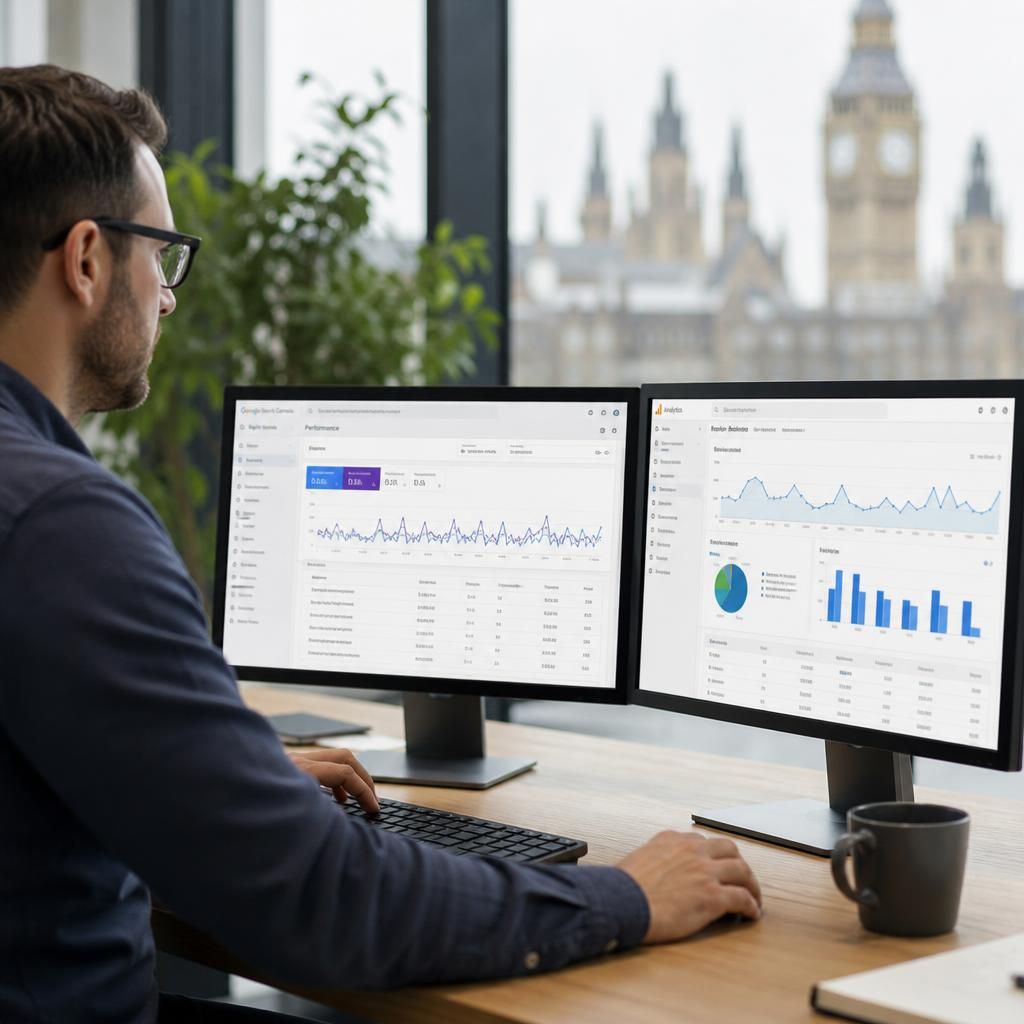
Google Search Console and Google Analytics work together by connecting search visibility with what visitors do after arriving on your website. Search Console shows which queries and pages generate impressions and clicks, while Analytics shows engagement, key events and conversions from those visits.
Use the landing page as the main point of comparison. For example, a page with many impressions but few clicks may need a more relevant title or clearer search-result description. If it receives clicks but visitors show little engagement, review whether the page matches the query intent, loads effectively and makes the next action clear. If visitors engage but do not convert, examine the call to action, form or enquiry process.
The figures will not match exactly because the platforms use different measurement methods, processing times and privacy controls. Search Console is best for understanding search demand and visibility; Analytics is best for assessing on-site behaviour and outcomes. Comparing the two at landing-page level gives you a more reliable basis for prioritising SEO improvements.