
Does SEO Quake work with all browsers?
No. SEOquake is supported on selected desktop browsers with compatible extension support, but it will not work with every browser, particularly mobile browsers or platforms that do not support browser extensions; check the current official installation options before choosing your SEO workflow.
No. SEOquake does not work with every browser. It is a browser extension designed for supported desktop browsers, including Chromium-based browsers and Firefox. Availability can depend on the current extension listing, browser version and whether the browser permits the required extensions.
On a supported desktop browser, SEOquake can add its toolbar, page-analysis functions and search-result metrics once the extension has been installed and enabled. The exact features available may also vary according to browser settings, extension permissions and changes to the browser’s extension framework.
- Supported desktop browsers: SEOquake is generally available through the official extension options for compatible Chromium-based browsers and Firefox.
- Mobile browsers: SEOquake should not be assumed to work on mobile. Most mobile browsers do not provide the same extension support as their desktop versions.
- Browsers without extension support: A browser cannot run SEOquake if it does not allow compatible extensions to be installed and executed.
- Older browser versions: An outdated browser may prevent installation or cause individual SEOquake features to work incorrectly.
Browser compatibility is separate from website compatibility. SEOquake may analyse many different websites from a supported browser, but access to page data can still be affected by JavaScript, robots directives, login requirements, security controls or a website’s technical structure. Search-result analysis can also change when a search engine changes its page layout or restricts automated requests.
For the most reliable setup, install SEOquake from the official extension source for your desktop browser, then check that the extension is enabled and has the permissions it needs. If it does not appear in the browser toolbar, review the browser’s extensions menu and pin or activate it there. If installation is unavailable, the browser is likely unsupported or its extension settings are preventing installation.
Before adopting a browser as part of an SEO workflow, check the current official SEOquake installation options rather than relying on historical compatibility information. This is particularly important for less common browsers, privacy-focused browsers and mobile platforms, where extension support may be limited or differ from the desktop version.
In practical terms, use a supported desktop browser for full SEOquake functionality and treat mobile or extension-free browsers as unsuitable for the complete toolset. If your team uses several browsers, standardise SEOquake on one supported desktop environment so that page metrics, toolbar behaviour and troubleshooting steps remain consistent.
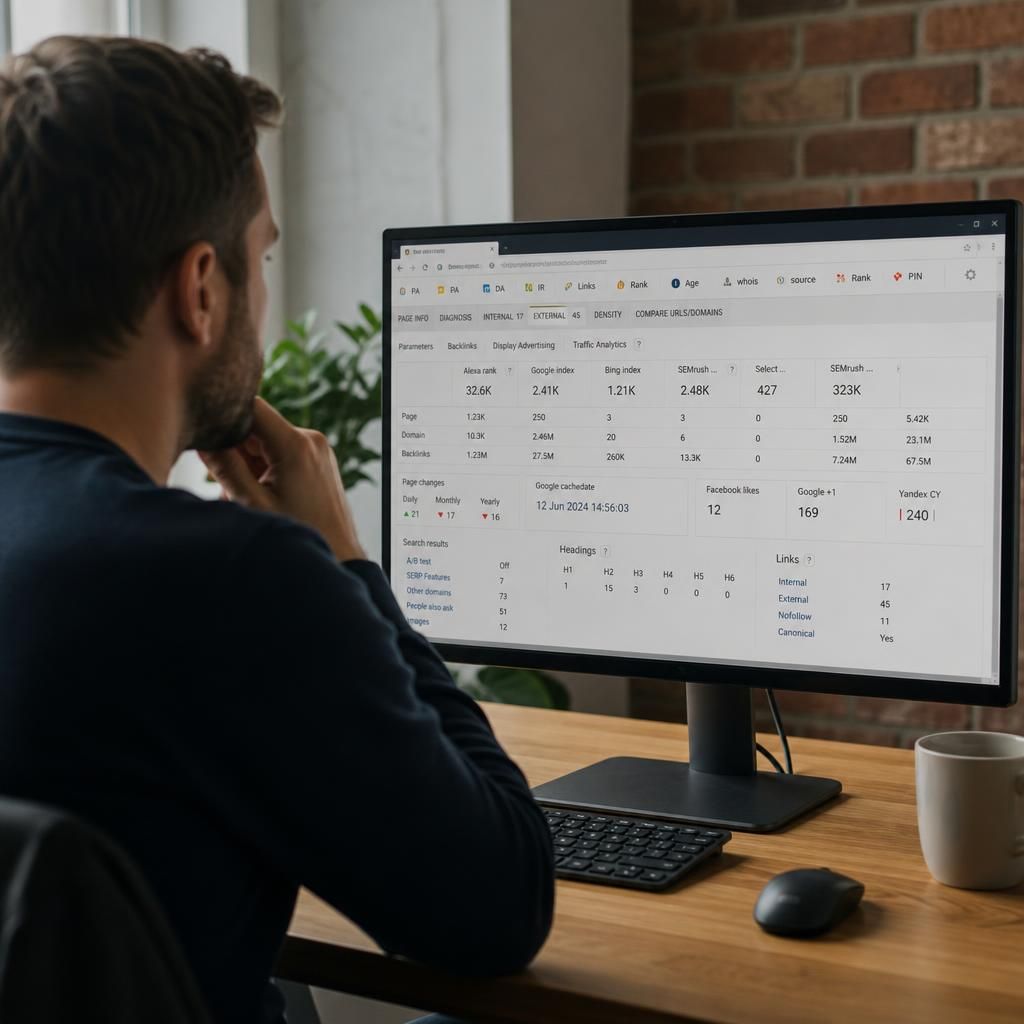
SEOquake is intended primarily for supported desktop browsers that allow compatible extensions, rather than every browser or device. It generally works with compatible Chromium-based browsers and Firefox, provided the current extension listing supports the browser version being used.
Mobile browsers and browsers without extension support should not be relied on for the full SEOquake feature set. Even on a supported desktop browser, permissions, privacy settings, outdated software or changes to the browser’s extension framework can affect installation and individual functions. For a consistent SEO workflow, use one supported desktop browser, install SEOquake from its official extension source and confirm that the extension is enabled.