
Can I track local keyword rankings with a free rank checker?
Yes. A free rank checker can track local keyword rankings by recording your Google positions for a chosen location, search language and device, helping you identify local visibility changes and opportunities to improve your SEO.
Yes. A free rank checker can track local keyword rankings by recording your Google positions for a specified location, language and device. This allows you to see how visible your website is to searchers in a particular town, area or postcode, rather than relying on a broad national ranking that may not reflect local search results.
Local ranking data is more useful when the search location is defined precisely. A search for a service in one town may produce different results from the same search made in another town, even when the wording is identical. Where the tool supports it, choose the relevant country, region, town or postcode and search language. Use the same settings each time so that changes in the results can be compared consistently.
Device selection is also important. Local results can differ between desktop and mobile because of screen layout, location signals and the way map results are displayed. If most enquiries come from mobile users, monitor mobile rankings as a priority. Tracking desktop separately can still be useful for understanding broader visibility and identifying differences between devices.
A local rank checker may report more than one type of result:
- Organic rankings: the position of a website page in the standard search results.
- Local pack or map rankings: the position of a business profile or local listing in the map-based results.
- Search features: results such as local questions, review features or other elements that affect how much space ordinary organic listings receive.
These are separate measures. A business can appear prominently in the local pack while its website has a weaker organic position, or it can rank well organically without appearing prominently in the map results. Check which result type your free rank checker records before drawing conclusions from the data.
To use a free rank checker for local SEO, start by adding the search terms that reflect the services, products and locations you want to target. Include commercially relevant phrases, such as a service combined with a town or area, as well as broader service terms where local intent is clear. Avoid adding every possible variation. A focused keyword set makes it easier to identify meaningful changes and connect rankings with the pages you are optimising.
Assign each keyword to the page that should appear in the results. A location landing page may be the appropriate target for a town-based search, while a service page may be more relevant for a service-led query. If the checker allows tags or groups, organise keywords by service, location, device or result type. This helps separate improvements in one local area from changes across the wider campaign.
Once tracking is set up, review rankings over time rather than treating a single result as definitive. Google results can change because of location, personalisation, device, competition, algorithm updates and changes to the search results page. A recorded trend is therefore more useful than an isolated position. Look for sustained movement, changes across several related terms and differences between locations.
Ranking data should be assessed alongside other local SEO signals. Useful comparisons include:
- the number of impressions and clicks generated from local searches;
- organic traffic to the relevant service or location pages;
- calls, form submissions and other enquiries from local visitors;
- the completeness and activity of the business profile;
- the quality and relevance of local references, reviews and citations; and
- changes made to pages, business information or technical SEO during the tracking period.
A free checker is particularly useful for establishing a baseline, checking whether a new page is appearing for its target searches and finding locations where visibility is weaker. It can also highlight terms that rank just outside the most visible results, which may be suitable targets for improvements to page content, internal linking, local relevance and business information.
Free tools commonly have limits. They may restrict the number of keywords or locations, update rankings less frequently, provide limited historical data or omit detailed local pack reporting. Some may show an approximate location rather than reproducing a search from an exact postcode. These limitations do not make the data unusable, but they should be considered when comparing results and deciding how much confidence to place in small changes.
For reliable comparisons, keep the keyword wording, location, language and device settings consistent. Record significant on-page and local SEO changes so that ranking movements have context. If a location is especially important, check whether the tool can track it at the required level of detail and whether it distinguishes organic results from map-based results.
In summary, a free rank checker can provide a practical view of local keyword performance when it supports location-based tracking and is configured consistently. Use it to identify visibility trends and optimisation opportunities, then confirm the business impact through traffic, enquiries and other relevant local SEO measures.
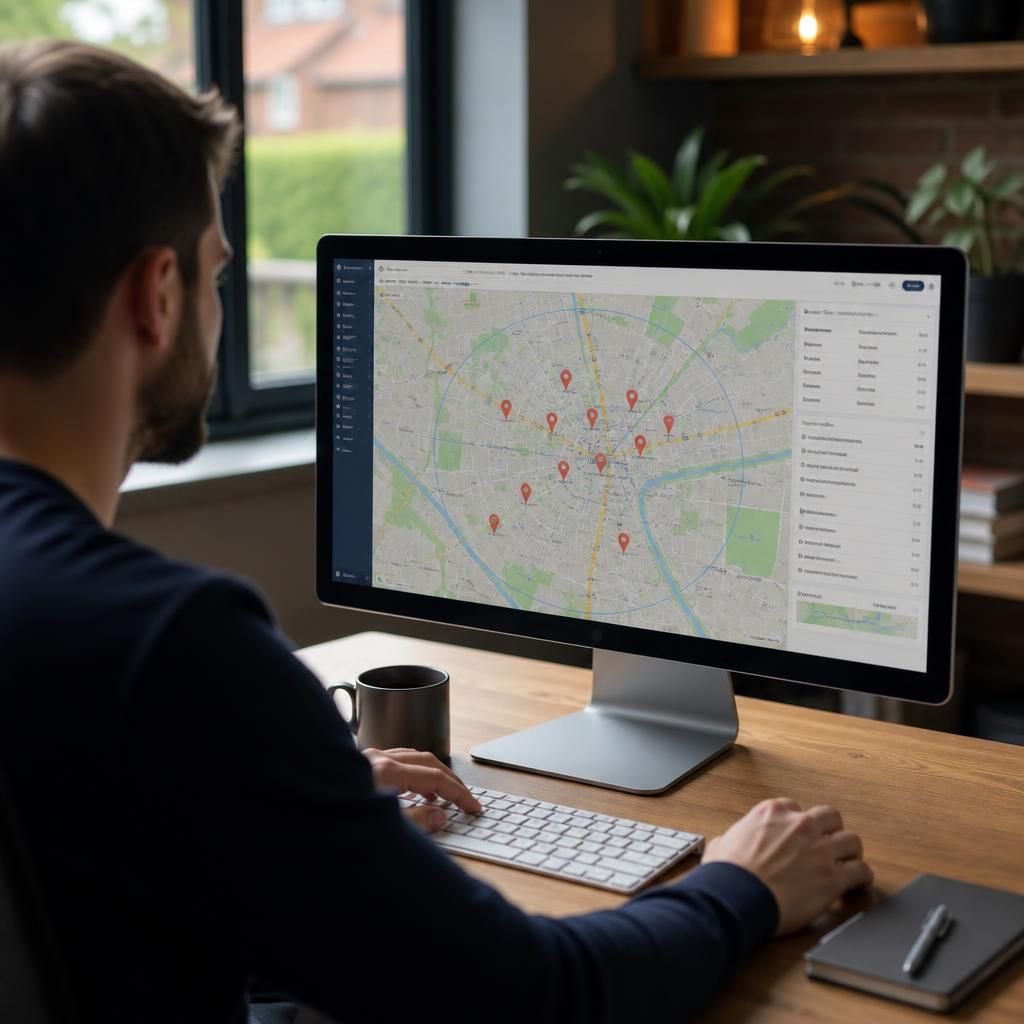
A free rank checker can track local keyword rankings when it records the search location, language and device used for each query. This creates a more relevant view of visibility in a specific town, area or postcode than a general national ranking.
Use consistent settings whenever you check the same keywords. Changing the location or device can produce different results, making it difficult to tell whether a ranking movement reflects an SEO improvement or simply a different search context. It is also important to distinguish organic website positions from local pack or map results, as a business can perform differently in each.
- Track service and location phrases that reflect genuine local search intent.
- Group keywords by area, service and device where the tool allows it.
- Review ranking trends rather than relying on one isolated result.
- Compare rankings with local traffic, calls, form submissions and business profile activity.