
Can AI generate accurate video transcripts for SEO?
Yes, AI can generate accurate video transcripts for SEO by converting spoken content into searchable text that supports accessibility, indexing and content reuse. Accuracy depends on audio quality, accents, terminology and speaker clarity, so transcripts should be reviewed and corrected before publication.
AI can generate accurate video transcripts for SEO by converting speech into crawlable text that search engines and users can understand. Its reliability depends on the recording quality, background noise, accents, overlapping speakers, specialist terminology and the transcription model used. The most effective approach is to use AI for the initial transcript, then review and edit the output before publishing it.
Video transcripts support SEO because they expose the substance of a video in text. Search engines can use this text to better understand the subject, terminology and questions covered, although a transcript does not guarantee higher rankings or indexing. It gives search engines additional contextual information and creates content that can be accessed by people who prefer reading, cannot hear the audio or are viewing the video without sound.
A transcript can also strengthen the relationship between a video and the surrounding page. For example, a page containing an instructional video can include a carefully edited transcript below the player, alongside a relevant title, summary and supporting information. This helps users confirm that the video addresses their needs and can make the page useful even when watching the video is inconvenient.
AI transcription is generally most dependable when the audio is clear and the recording follows a consistent format. It may produce errors when:
- multiple people speak at the same time;
- the recording contains music, echo, traffic or other background noise;
- speakers have strong or unfamiliar accents;
- industry-specific terms, product names or place names are used;
- speakers talk quickly, pause irregularly or change direction mid-sentence;
- the video contains quoted text, slides or demonstrations that are not spoken aloud.
These issues matter for SEO as well as accuracy. A misheard technical term can change the meaning of a sentence and prevent the transcript from reflecting the language that customers actually use. Incorrect names, product terminology or instructions can also reduce trust and create accessibility problems.
A reliable transcript workflow starts with the best available source file. Use the original audio or video rather than a compressed copy where possible. Separate speakers clearly, remove obvious transcription artefacts and retain meaningful terminology rather than automatically replacing it with more familiar words. If the system supports a custom vocabulary, provide approved spellings for brand names, technical phrases and locations.
Human review remains important, particularly for customer-facing content. The reviewer should listen to the recording while checking the transcript, rather than relying only on the generated text. Check names, terminology, punctuation, sentence breaks, speaker labels and any claims or instructions. Remove filler words only where doing so improves readability without changing the meaning. Mark unintelligible passages honestly rather than guessing what was said.
Formatting affects how useful the transcript is. A long, unbroken block of text is difficult to scan and may not match the structure of the video. Use paragraphs that follow changes in topic, descriptive speaker labels where they add clarity, and timestamps when users may need to locate a particular section. For interviews, distinguish questions from answers. For demonstrations, describe relevant actions or on-screen information that is necessary to understand the spoken content.
Do not treat the transcript as a place to add SEO keywords that were not present in the video. Artificially inserting phrases can make the copy inaccurate and reduce its value to readers. Instead, use the language that occurs naturally in the recording and improve the page’s relevance through an accurate title, concise introduction, descriptive subheadings in the page layout and related supporting content.
Transcripts can be used in several ways beyond a single video page. With appropriate editing, they can provide source material for a written guide, frequently asked questions, social posts or internal knowledge-base content. Each derivative asset should be reviewed for context and accuracy. A transcript is a record of what was said; it is not automatically a well-structured article, and publishing unedited AI output across multiple pages can create repetitive or low-value content.
Captions and transcripts serve related but different purposes. Captions are synchronised with the video and should include relevant non-speech audio information, such as meaningful sound cues. A transcript is normally a readable text version of the content and may include timestamps or speaker information. Use captions to make the video itself accessible, and provide a transcript where a full text alternative improves navigation, comprehension or search visibility.
Before publication, check that the transcript is available to users and not hidden solely in a way that prevents normal access. Make sure it accurately represents the video, works on mobile devices and does not replace essential information that appears only visually. If important content is shown on screen but not spoken, include an appropriate text description or provide that information elsewhere on the page.
AI-generated transcripts are therefore highly useful for video SEO, but they should be treated as an assisted production method rather than an automatic final product. Combining clear source audio, suitable terminology settings, careful human checking, accessible formatting and relevant on-page context produces a transcript that is more accurate, more useful to customers and more likely to support the page’s organic search performance.
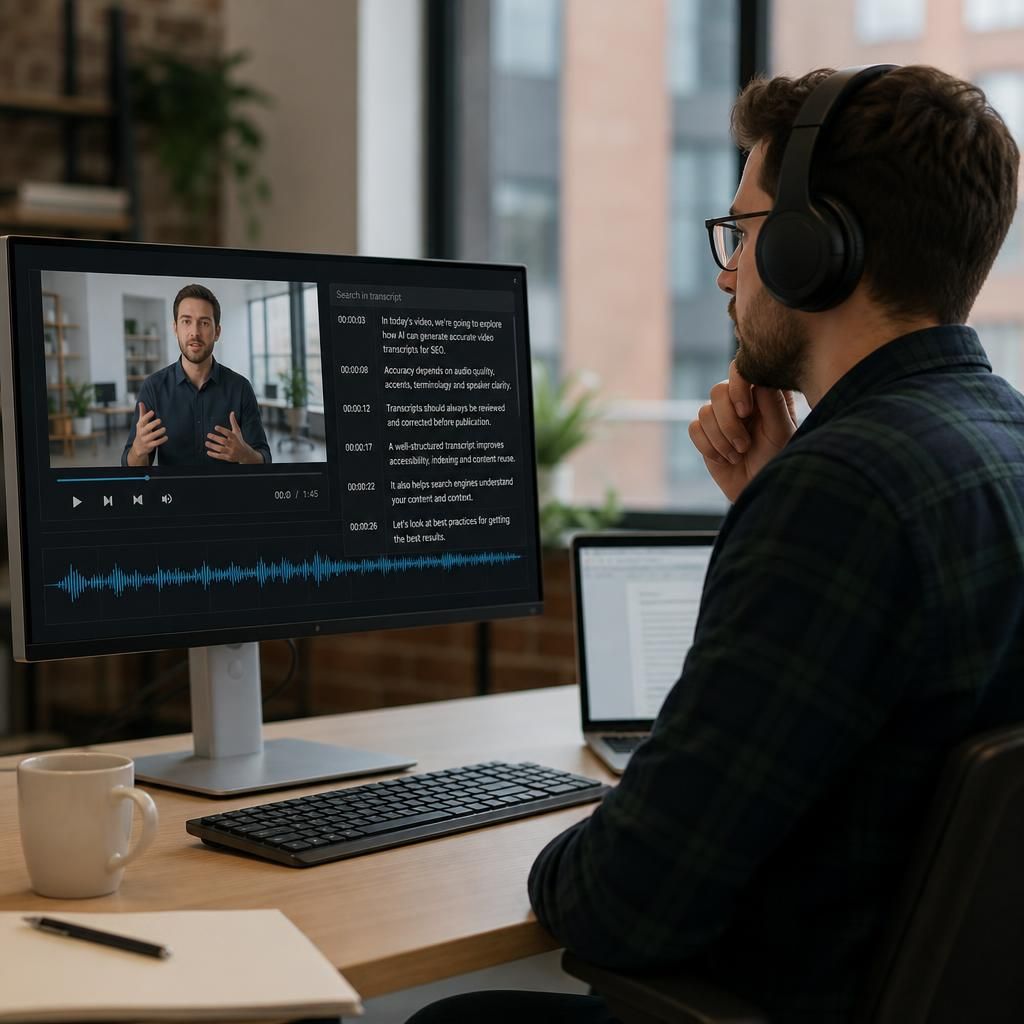
AI-generated video transcripts can be accurate enough for SEO when they are treated as a first draft and checked against the original recording. The review is essential because errors in names, product terms, technical language or instructions can change the meaning of the video and weaken its value for users and search visibility.
Start with the clearest available audio and configure any custom vocabulary supported by your transcription process. Add approved spellings for brand names, locations and specialist terms. During review, listen to the recording rather than checking the transcript in isolation, and confirm:
- speaker names and labels;
- technical terminology, product names and place names;
- punctuation, paragraph breaks and sentence meaning;
- instructions, claims and figures stated in the video; and
- important information shown on screen but not spoken aloud.
Format the approved transcript so it follows the structure of the video. Use short paragraphs for topic changes, speaker labels for interviews and timestamps where readers may need to find a particular section. Do not add keywords that were not spoken simply to influence rankings. An accurate transcript using the video’s natural language is more useful than an artificially optimised version, and it provides a reliable foundation for accessible on-page content and carefully edited derivative assets.