
How can I optimise YouTube video titles with free SEO tools?
Optimise YouTube video titles by using free SEO tools to identify relevant search terms, then place the main phrase naturally near the beginning of a clear, accurate title. Keep the wording specific to the viewer’s intent, avoid keyword stuffing, and use title analysis tools to check readability and appeal before publishing.
Optimising a YouTube video title means matching the wording to what viewers search for, while making the subject and benefit clear enough to earn a click. Free SEO tools can help you find relevant search phrases, compare related topics, assess wording and refine the title, but the final version should remain accurate and natural rather than becoming a list of keywords.
Start with the video’s primary search intent. Before opening a tool, define what the viewer is trying to achieve. A tutorial, product comparison, review, explanation and troubleshooting video will attract different searches, even when they cover the same broad subject. Write down the main problem the video solves and the audience it is intended for. This gives you a reference point when free tools return a long list of related terms.
For example, a video about improving website visibility could target a specific intent such as “how to write an SEO title”, rather than a broad phrase such as “SEO”. The more precisely the title reflects the video, the less likely it is to attract unsuitable viewers who leave quickly because the content does not meet their expectations.
Use free tools to identify realistic phrases. YouTube’s search suggestions are a useful starting point because they reflect searches that people commonly enter on the platform. Type the core topic into the search bar and record relevant completions. Test variations based on:
- the task the viewer wants to complete, such as “set up”, “fix”, “create” or “compare”;
- the audience, industry or experience level;
- the format, such as tutorial, checklist, review or demonstration;
- the specific problem, feature or outcome covered in the video; and
- alternative wording, including singular and plural forms and common question phrases.
Keyword research tools with free access can provide related terms, questions and broad indications of search interest. Treat these results as evidence for deciding between relevant options, not as an instruction to use every phrase. A term with apparent demand is not necessarily suitable if the competition is intense or the video does not answer the associated query fully.
Trend and question research tools can also reveal changes in wording or recurring information needs. Check whether the topic is seasonal, linked to a recent product update or usually searched as a how-to query. This context helps you choose a title that reflects current viewer intent without forcing a temporary phrase into an evergreen video.
Place the main phrase where it is easy to identify. In most cases, put the primary search phrase near the beginning of the title, followed by a useful qualification or outcome. This helps viewers and YouTube understand the subject quickly, particularly where the title may be shortened on smaller screens. It is not a requirement to place the exact phrase first if doing so makes the wording awkward. Clarity and accuracy are more important than rigid placement.
A practical title pattern is:
- Primary topic: the main phrase the video addresses;
- specific benefit or angle: what the viewer will learn, see or decide; and
- qualifier: a relevant audience, method, use case or current context.
For example, a vague title such as “SEO Titles Explained” could become “How to Write SEO Titles That Match Search Intent”. The revised version identifies the task and the principle covered. It should only be used if the video genuinely explains how to match titles to search intent.
Make the promise specific and accurate. A strong title tells viewers what they will get without overstating the result. Replace general claims such as “everything you need to know” with a defined subject, process or outcome. If the video covers one part of a wider topic, say so. Terms such as “beginner’s guide”, “step-by-step”, “case study”, “template” or “advanced” should describe the actual format and depth of the content.
Do not use a popular keyword to attract viewers when the video only mentions it briefly. Misleading relevance can reduce watch time, engagement and trust, and may lead viewers to disregard future videos from the channel. The title, thumbnail and opening section should make the same promise.
Balance keywords with readability. Keyword stuffing makes titles harder to understand and can make them appear automated. Use the primary phrase once in most cases, then add only the words needed to communicate the angle. Avoid repeating close variants, inserting unrelated locations or adding a series of search terms separated by commas.
Compare these approaches:
- Weak: “YouTube SEO, YouTube SEO Tips, YouTube SEO Tutorial, YouTube SEO Guide”
- Stronger: “YouTube SEO Tips: How to Improve Video Visibility”
The second title still signals the subject but gives the viewer a clear reason to watch. Read it aloud and remove words that do not improve meaning. A title should make sense to someone who has not seen the keyword research behind it.
Use free title analysis tools as a review stage. Title analysers can flag problems with length, word balance, clarity, sentiment, readability and the prominence of the main phrase. These scores are directional rather than ranking guarantees. A high score cannot compensate for weak search intent, an inaccurate promise or an uninteresting topic.
Review each suggestion manually. Some tools favour unusual or emotionally charged wording that may not suit a professional audience or the subject of the video. Choose the clearest option that represents the content, even if an automated score is slightly lower. Check that the title remains understandable without the thumbnail, description or surrounding playlist.
Check the title against the thumbnail and opening. The title and thumbnail should complement rather than duplicate one another. The title can describe the search topic while the thumbnail highlights the problem, result or distinction. Avoid putting so much text in both elements that the main message becomes unclear. The first part of the video should then confirm the title’s promise quickly, rather than delaying the answer with an unrelated introduction.
Review competing results without copying them. Search the chosen phrase on YouTube and examine the results that appear. Note the wording patterns, content formats and unanswered angles. This can show whether viewers expect a tutorial, review, comparison or short answer. Do not imitate another creator’s title or make an unsupported claim simply because similar wording appears in the results. Use the review to identify how your video is distinct and how clearly that distinction can be expressed.
Follow a repeatable optimisation process.
- Summarise the video’s purpose and intended viewer in one sentence.
- Collect relevant phrases from YouTube suggestions and free keyword or question tools.
- Group similar phrases by intent and select one primary phrase.
- Draft several titles using different angles, such as task, benefit, comparison or problem-solving.
- Place the primary phrase naturally near the beginning where practical.
- Remove repetition, vague claims and wording that the video does not support.
- Use a free title analysis tool to check readability and presentation.
- Compare the title with the thumbnail, description and opening section.
- Publish the clearest accurate version and monitor performance in the channel’s analytics.
After publication, use YouTube analytics to assess impressions, click-through behaviour, watch time and audience retention together. A title that attracts clicks but leads to early exits may be promising the wrong thing. A title with strong retention but limited impressions may need clearer search wording or a more distinctive angle. Change one significant element at a time where possible, and allow enough data to accumulate before drawing conclusions.
Titles can also become outdated when the software, process or advice changes. Revisit them when the video is updated, when search language shifts or when analytics show that viewers are finding the video through an unexpected phrase. Keep the revised title consistent with the current content and update the thumbnail or description when the change affects the overall promise.
The most reliable use of free YouTube SEO tools is therefore not to generate a keyword-heavy title automatically. Use them to discover how viewers describe a need, validate the relevance of your chosen phrase and test whether the wording is clear. Then apply editorial judgement: make the topic specific, put the main idea in a prominent position, communicate a genuine benefit and ensure the video delivers exactly what the title promises.
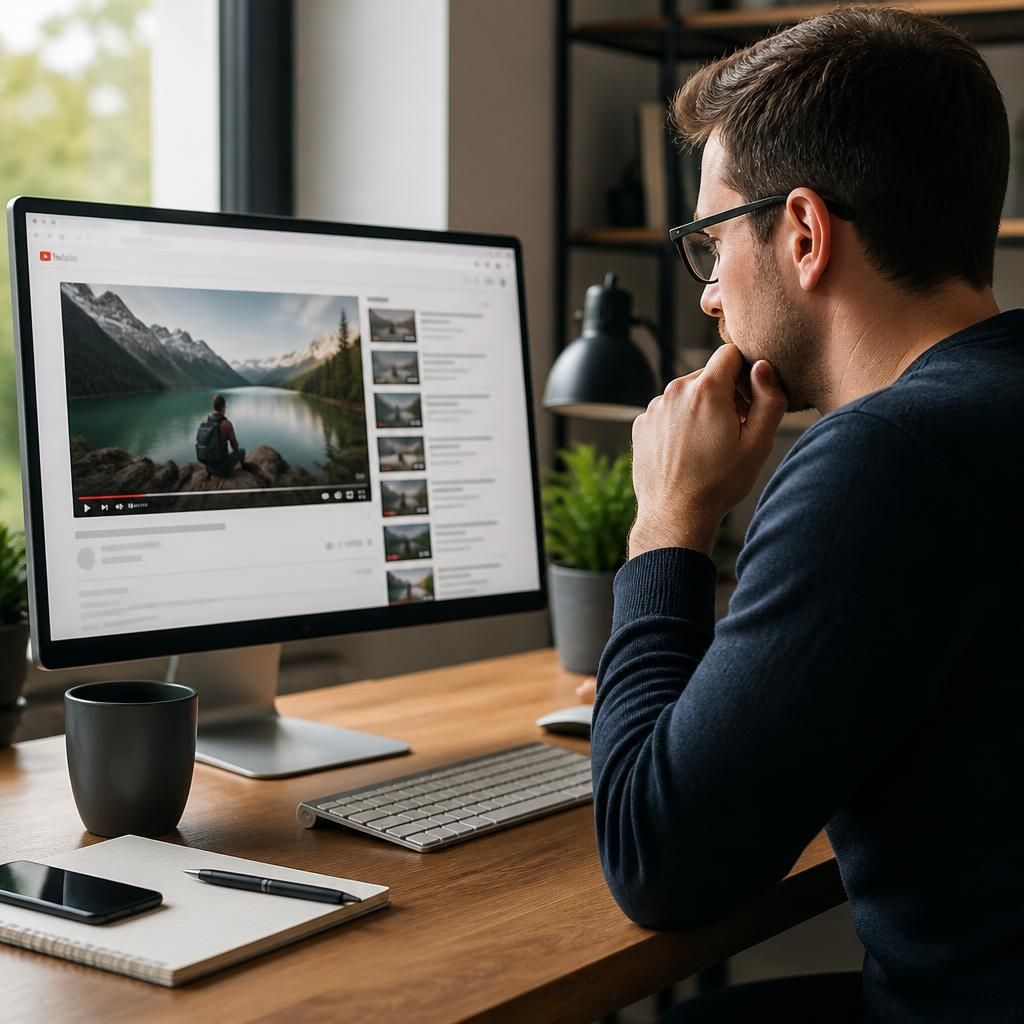
Optimising a YouTube video title with free SEO tools means using viewer search behaviour to create a title that is relevant, clear and accurate. The tools can suggest search phrases and assess readability, but they should support your judgement rather than replace it.
Start by entering the video’s main subject into YouTube search and note the relevant suggestions. Compare these phrases with results from free keyword and question tools, then group similar terms by intent. Select the phrase that best describes what the video actually helps viewers do, learn or decide.
- Place the main phrase naturally near the beginning where possible.
- State the specific benefit, problem or format covered by the video.
- Remove repeated keywords, vague claims and wording the content cannot support.
- Check that the title works with the thumbnail and opening section.
Free title analysis tools can then help identify awkward wording, poor readability or an unclear structure. Treat their scores as guidance, not ranking predictions. A natural title that accurately matches viewer intent is more useful than one that achieves a strong tool score through exaggerated or repetitive language.